

Microsoft Word Workshop: 10 Essential Skills for Project Reports
Introduction
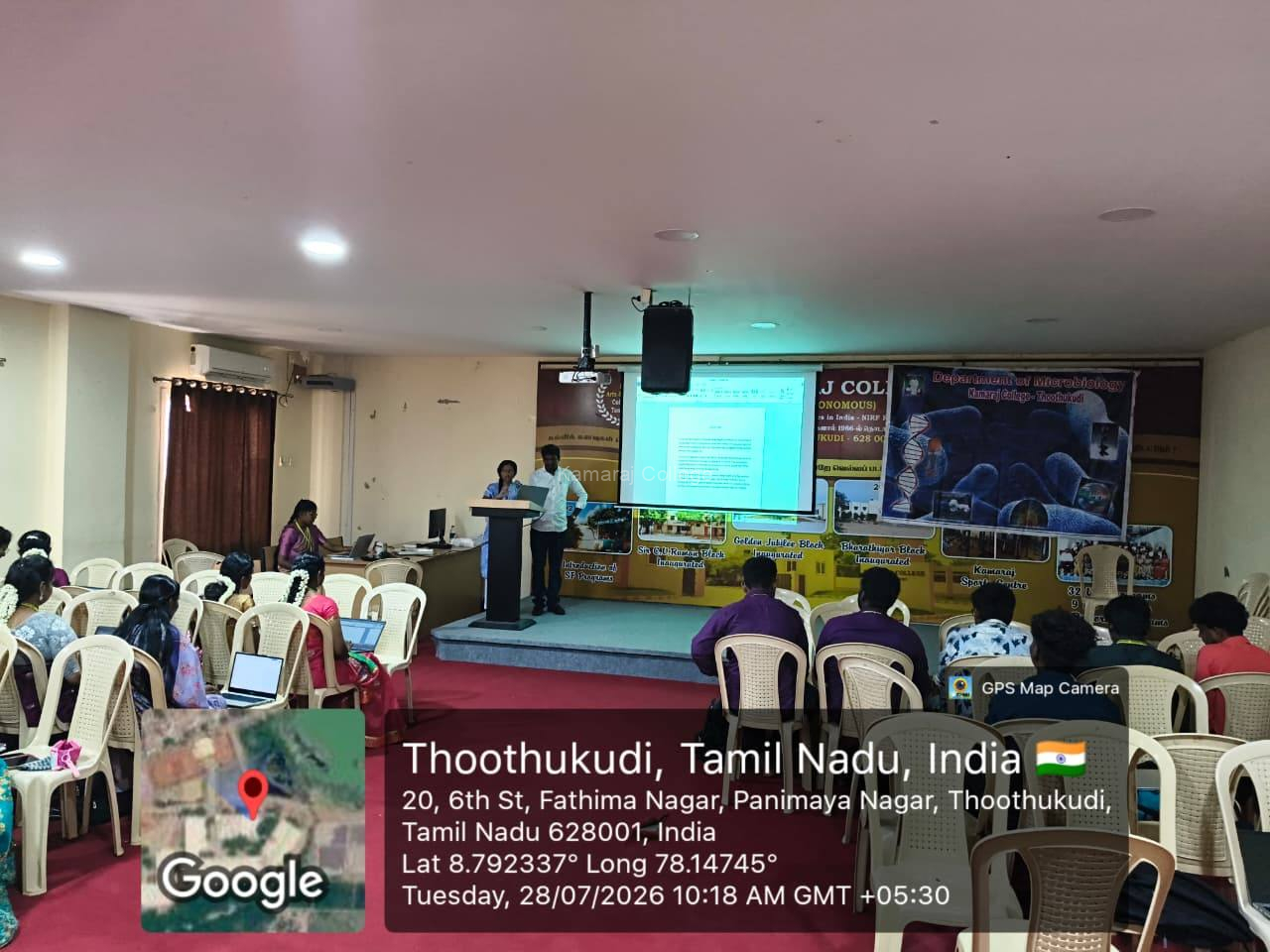
The Microsoft Word Workshop was successfully organized by the PG and Research Department of Microbiology of Kamaraj College (Autonomous), Thoothukudi on 28 July 2026 for III B.Sc Microbiology students.
The workshop was conducted to equip students with the basic computer skills required for academic documentation and project report preparation. It provided practical hands-on training in Microsoft Word and helped students understand the importance of proper formatting and professional report writing.
Objectives of the Workshop
The Microsoft Word Workshop was organized to improve the document preparation skills of students.
The major objectives of the workshop were:
- To provide hands-on training in Microsoft Word
- To help students prepare academic project reports effectively
- To improve basic computer and document formatting skills
- To train students in page layout and alignment techniques
- To introduce the use of tables, styles, headers and footers
- To create awareness about page numbering and report structure
- To develop professional report writing and documentation skills
The workshop helped students understand that Microsoft Word skills are essential for academic writing, project reports, assignments and professional documentation.
Resource Person of the Programme
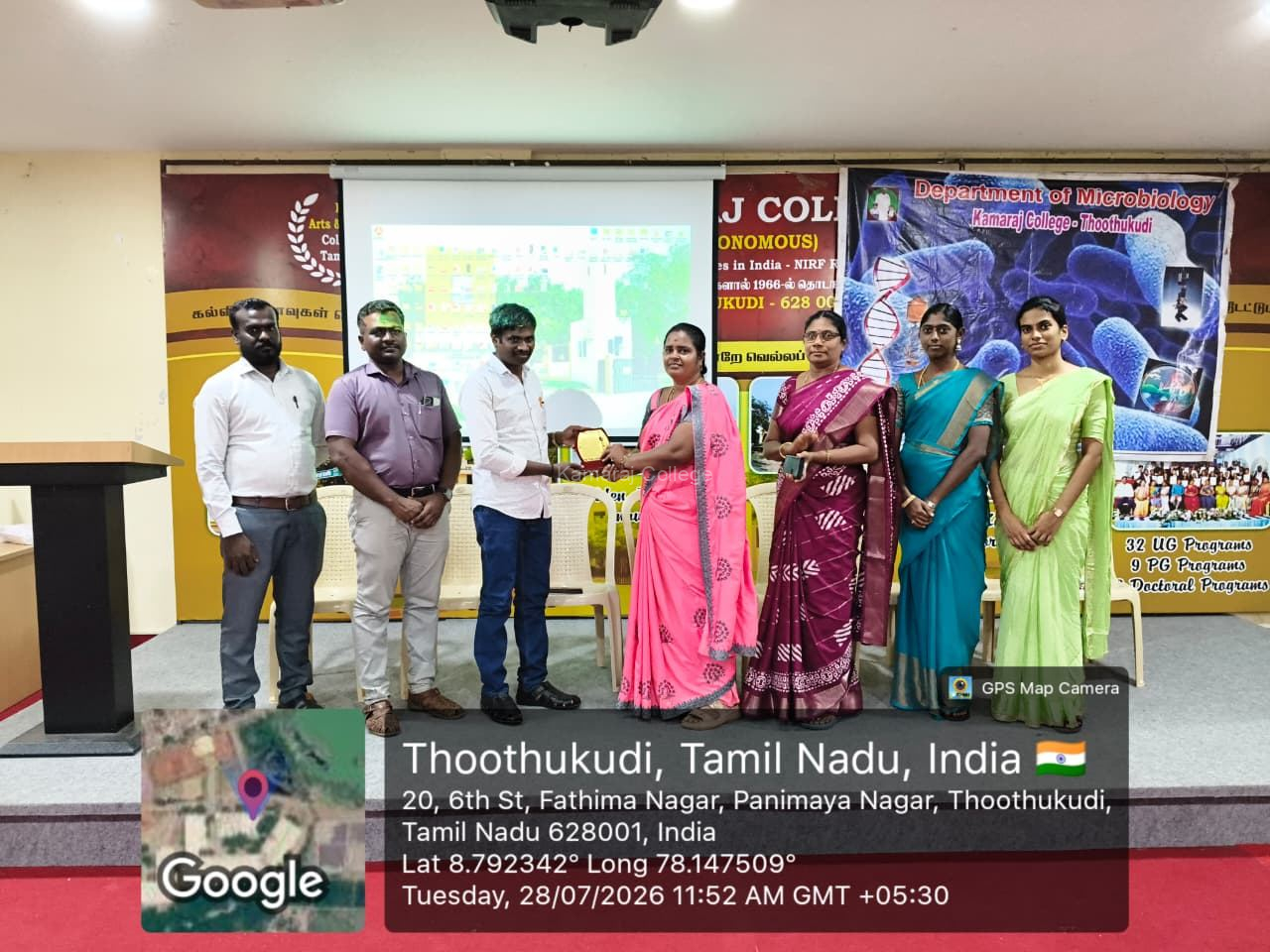
The resource person for the workshop was Mr. M. Aathibalasubramanian, Course Director, Computer Center, Balavinayagar Kovil Street, Thoothukudi.
He conducted the hands-on training session in a clear and practical manner. His guidance helped students understand various Microsoft Word tools and apply them effectively in project report preparation.
The session was useful for students who are preparing academic documents and project reports.
Guidance and Organization
The programme was convened by Dr. S. Abirami, Head, PG and Research Department of Microbiology.
Dr. M. Sangeetha served as the Organizing Secretary of the programme. She welcomed the resource person and honoured him with a memento as a token of respect and appreciation.
Their guidance and coordination ensured the smooth and successful conduct of the workshop.
Need for Microsoft Word Training
Project report preparation is an essential part of academic learning. Therefore, students must possess basic computer knowledge and know how to use Microsoft Word effectively.
The Microsoft Word Workshop was organized as the first step towards equipping students with the necessary skills for preparing project reports. The session helped students understand that proper formatting, layout and presentation improve the quality of academic documents.
Hands-on Training Session
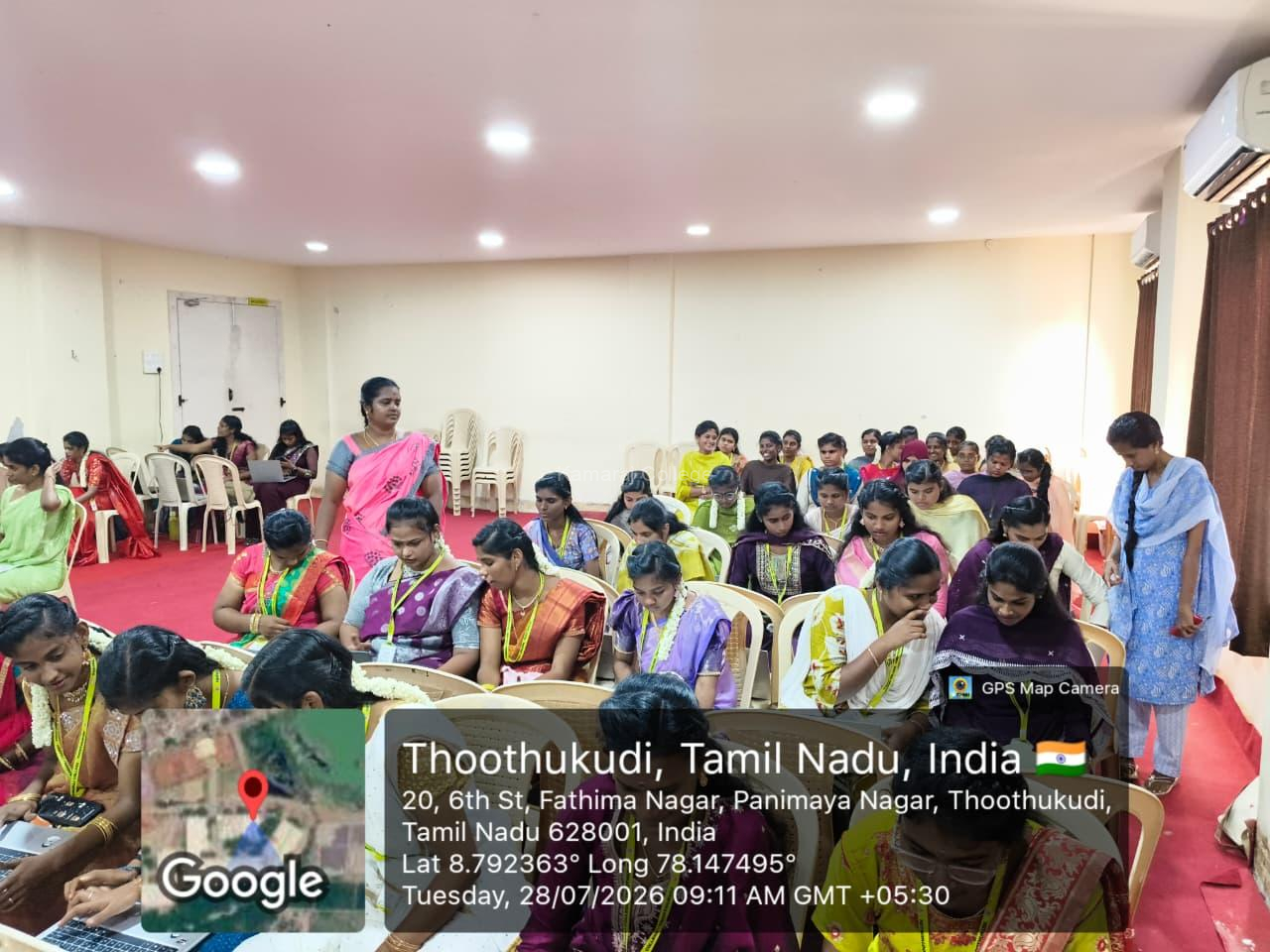
The workshop was conducted as a practical hands-on training session. Students actively worked on Microsoft Word features and learned how to prepare documents in a neat and professional manner.
The hands-on approach helped students learn by doing. It also improved their confidence in using Microsoft Word for academic and project-related work.
Document Formatting Skills
During the session, students learned the basics of document formatting. The resource person explained how to format text, arrange content, use proper spacing and maintain consistency in a document.
Students understood that good formatting makes project reports more readable, organized and professional. This training was highly useful for their academic writing.
Page Layout and Alignment
The workshop also focused on page layout and alignment. Students were trained to set margins, adjust page orientation and align text properly.
The resource person explained that proper page layout is important for preparing structured academic reports. Students learned how layout and alignment improve the overall appearance of a document.
Use of Tables and Styles
The resource person trained students in the use of tables and styles in Microsoft Word. Students learned how tables can be used to present data clearly and how styles help maintain uniform headings and formatting.
This session helped students understand how to organize project report content in a systematic and professional way.
Page Numbering, Headers and Footers
Students were also trained in page numbering, headers and footers. The resource person explained how these features are useful in academic reports and project documents.
Students learned how to insert page numbers, add headings, include report details and maintain consistency throughout the document. These skills are important for preparing complete and well-structured project reports.
Professional Report Writing Skills
The Microsoft Word Workshop helped students understand the importance of professional report writing. The session explained how proper formatting, headings, tables, page numbers and layout make academic reports more presentable.
Students gained practical knowledge that will help them prepare project reports, assignments, seminar documents and other academic records with confidence.
Role of Faculty Members and Student Coordinators
The programme was well organized with the support of the faculty members of the Department of Microbiology. The faculty members ensured discipline throughout the event and supported the successful conduct of the workshop.
The student coordinators also played a significant role in organizing and coordinating the programme. Their contribution helped maintain the smooth flow of the event.
Participation of Students
The workshop was conducted exclusively for III B.Sc Microbiology students. The participants actively engaged in the practical training session and learned the essential features of Microsoft Word.
Their active participation reflected their interest in developing document preparation skills and improving their academic report writing ability.
Benefits for Students
The workshop provided several valuable benefits to the participating students.
- Students gained practical knowledge of Microsoft Word
- They learned document formatting techniques
- They understood page layout and alignment methods
- They learned to use tables and styles effectively
- They gained knowledge of page numbering, headers and footers
- They improved their project report preparation skills
- They developed confidence in academic documentation
These benefits will help students prepare project reports and academic documents in a neat, organized and professional manner.
Outcome of the Workshop
The Microsoft Word Workshop was successfully conducted and proved to be highly beneficial for III B.Sc Microbiology students.
The major outcomes of the workshop were:
- Improved basic computer skills among students
- Better understanding of Microsoft Word tools and features
- Enhanced document formatting and report writing ability
- Practical exposure to page layout, tables, styles and alignment
- Improved confidence in preparing academic project reports
- Active participation by students in hands-on training
- Successful coordination by faculty members and student coordinators
The workshop was informative, practical and useful for academic skill development.
Conclusion
The Microsoft Word Workshop organized by the PG and Research Department of Microbiology on 28 July 2026 concluded successfully.
The hands-on training by Mr. M. Aathibalasubramanian helped III B.Sc Microbiology students learn important Microsoft Word features such as document formatting, page layout, alignment, tables, styles, page numbering, headers and footers.
The guidance of Dr. S. Abirami, the organization by Dr. M. Sangeetha, and the support of faculty members and student coordinators made the programme successful. Overall, the workshop reflected the commitment of Kamaraj College to academic skill development, digital literacy, project report preparation and holistic student learning.
Internal Link
Kamaraj College (Autonomous), Thoothukudi