
Digital Skills Programme: 10 Essential Documentation Skills for Office Excellence
Introduction
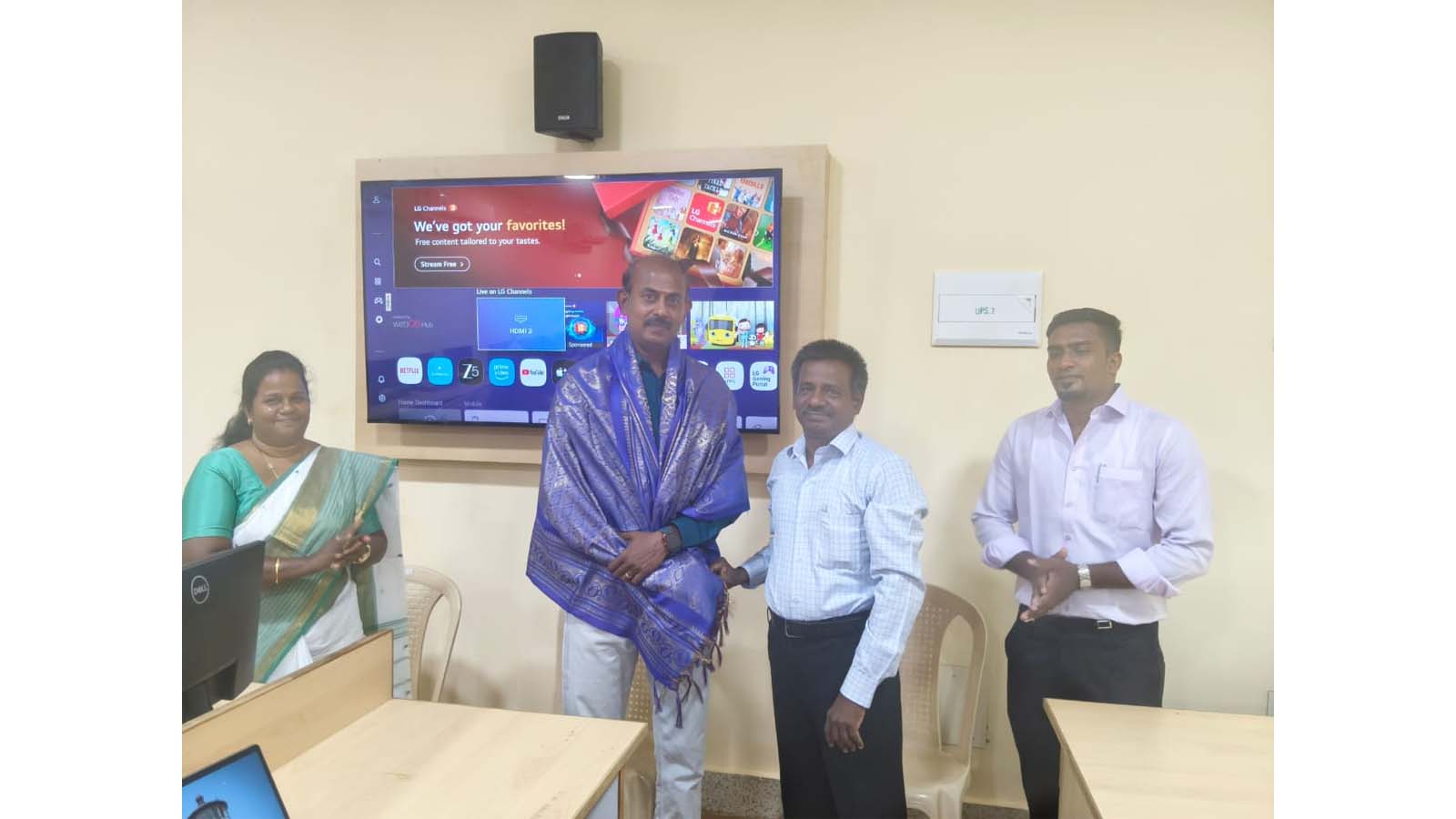
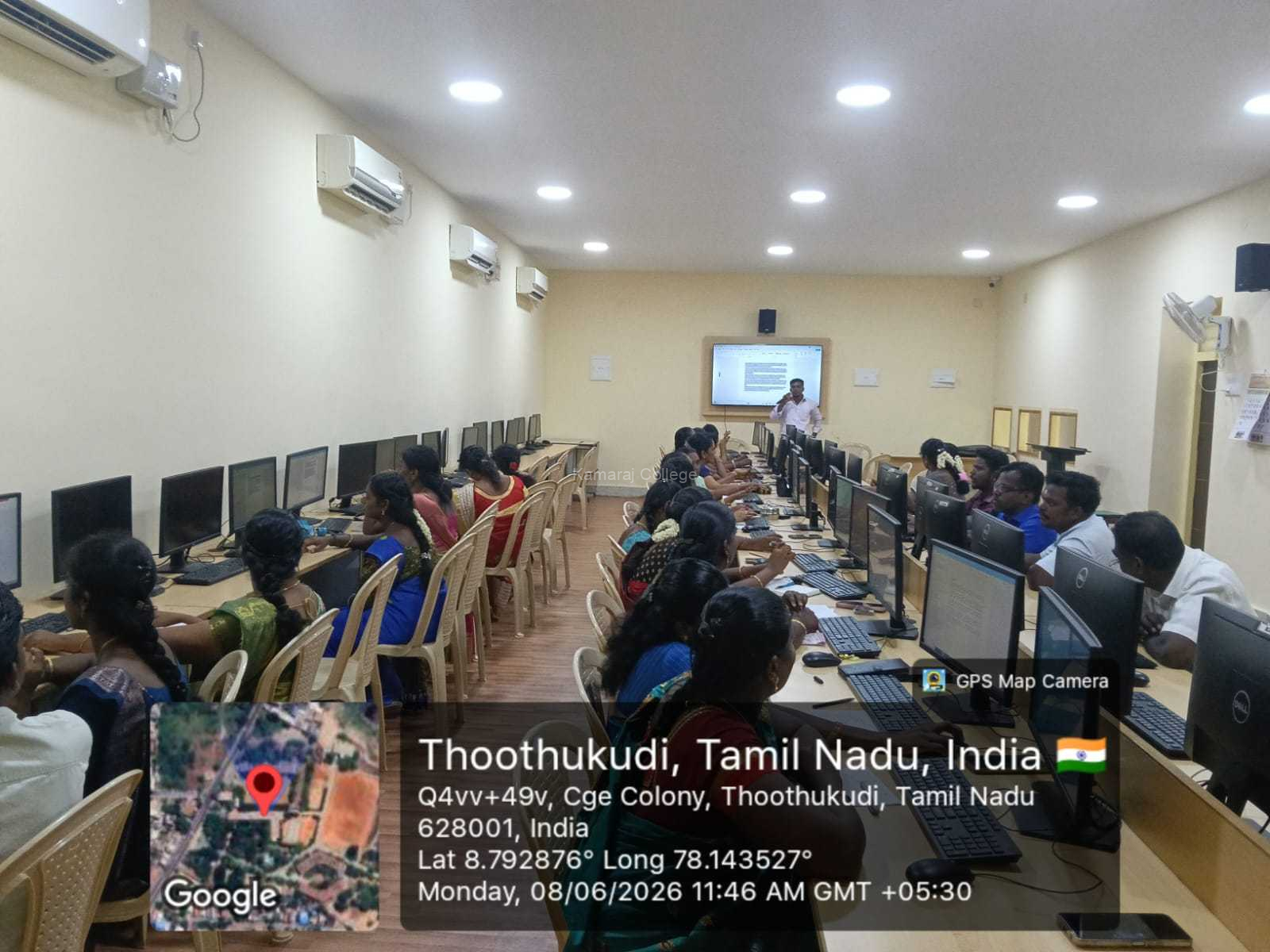
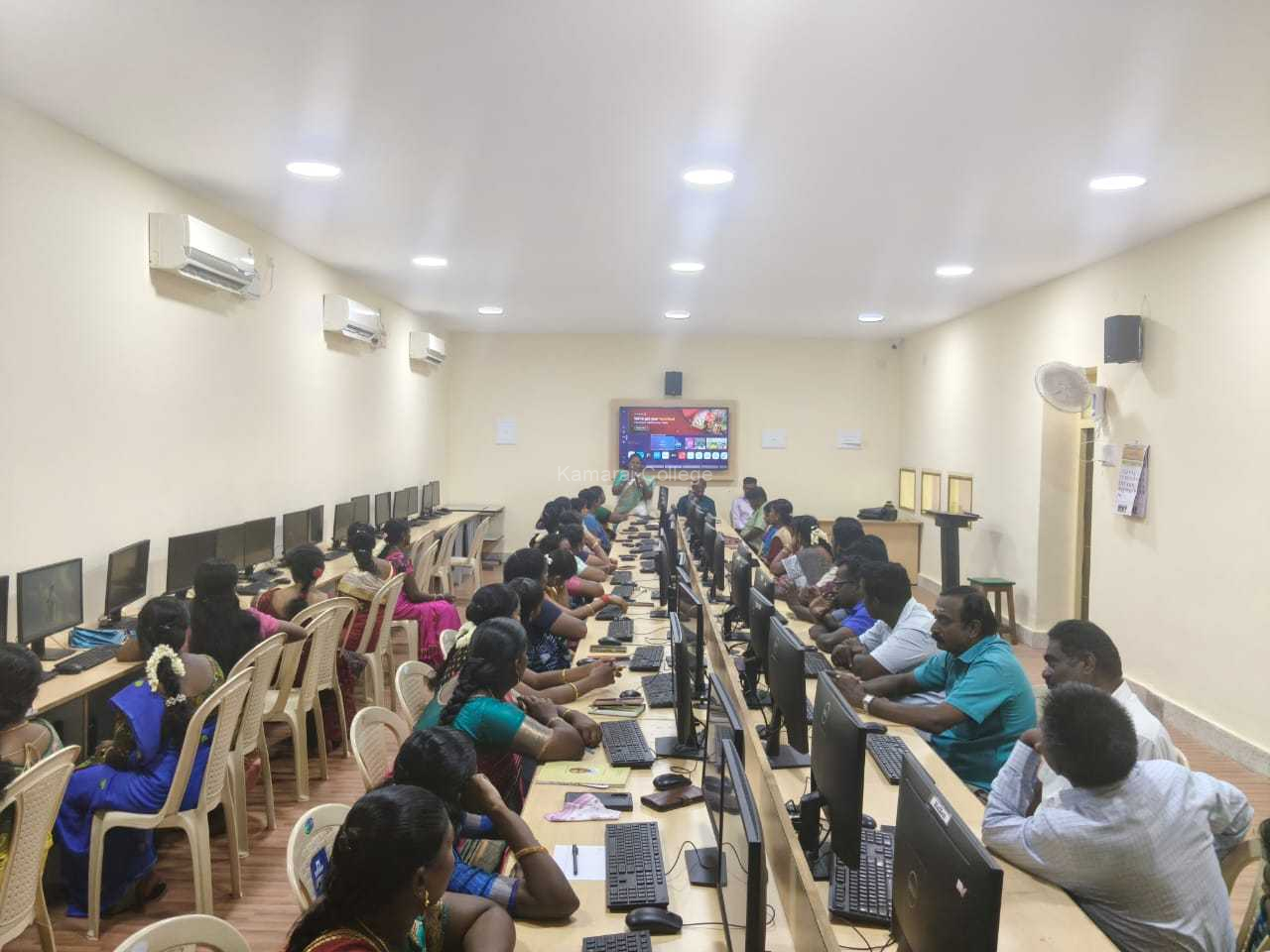
The Internal Quality Assurance Cell (IQAC), Kamaraj College (Autonomous), Thoothukudi, in association with Vetri Trust, successfully organized a five-day Digital Skills Programme on “Digital Skills for Efficient Documentation” for the non-teaching staff of the institution from 08 June 2026 to 12 June 2026.
The programme was conducted with the objective of enhancing the digital competency of non-teaching staff members and equipping them with practical knowledge and technological skills required for efficient office administration, documentation, record maintenance, and institutional communication. The training sessions were designed to provide hands-on experience and improve workplace productivity through the effective use of digital tools.
Objectives of the Programme
The Digital Skills Programme was organized to strengthen the technical capabilities of non-teaching staff and help them adapt to modern digital documentation practices.
The key objectives of the programme included:
- Enhancing digital literacy among staff members
- Improving documentation and record management skills
- Developing proficiency in MS Word and MS Excel
- Introducing productivity-enhancing shortcut techniques
- Creating awareness about networking concepts
- Supporting efficient office administration
- Promoting technology-driven workplace practices
The programme aligned with the institution’s commitment to continuous professional development and quality enhancement.
Day 1 and Day 2: MS Word and Shortcut Keys Training
The first two days of the Digital Skills Programme focused on “MS Word and Shortcut Keys,” handled by Dr. Ensten Pernard P.G.
The sessions provided participants with practical training in document creation, editing, formatting, and presentation. The resource person demonstrated various features of Microsoft Word that are commonly used in office administration and academic documentation.
Participants learned how to prepare professional documents efficiently using formatting tools, tables, templates, page layouts, and document customization features. Special emphasis was placed on keyboard shortcuts that save time and improve workplace productivity.
The hands-on nature of the training enabled participants to practice and master essential documentation skills.
Day 3 and Day 4: Basic Excel and Shortcut Keys
The third and fourth days of the Digital Skills Programme were dedicated to “Basic Excel and Shortcut Keys,” conducted by Ms. Jasmine Isravel.
The training introduced participants to spreadsheet creation, data entry techniques, data organization methods, and basic analytical tools available in Microsoft Excel. Participants gained practical exposure to formulas, functions, cell referencing, and spreadsheet management.
The sessions also covered useful keyboard shortcuts and productivity techniques that help staff members manage records, prepare reports, and organize institutional data more efficiently.
The resource person explained practical applications of Excel in office environments, making the learning process highly relevant to the participants’ daily responsibilities.
Day 5: Fundamentals of Networking
The final day of the Digital Skills Programme featured a session on “Network,” facilitated by Dr. Ensten Pernard P.G.
The session introduced participants to the fundamentals of computer networking, internet connectivity, communication systems, and network security. The resource person explained how networking technologies support modern office operations and facilitate efficient information sharing.
Participants gained a better understanding of network infrastructure, connectivity requirements, online communication tools, and best practices for maintaining digital security in professional environments.
The session also highlighted the increasing importance of digital connectivity in educational institutions and administrative offices.
Hands-On Learning Experience
A notable feature of the Digital Skills Programme was its practical and application-oriented approach.
Each session included demonstrations, guided exercises, and opportunities for participants to practice the concepts being taught. The resource persons encouraged active participation and ensured that every participant gained hands-on experience with the software tools and technologies discussed during the programme.
This experiential learning approach helped participants build confidence and improve their ability to apply newly acquired skills in their workplace.
Benefits for Non-Teaching Staff
The Digital Skills Programme provided numerous benefits to the participants.
- Improved document preparation skills
- Enhanced proficiency in MS Word and Excel
- Better understanding of office automation tools
- Increased workplace productivity
- Knowledge of useful shortcut techniques
- Awareness of networking concepts and digital security
- Improved efficiency in handling administrative responsibilities
These skills will contribute significantly to improving the quality and effectiveness of office operations within the institution.
Valedictory Session
The valedictory function of the Digital Skills Programme was conducted in a meaningful manner.
The session commenced with the Welcome Address delivered by Mr. P. Saravanan, Superintendent. Participants shared their experiences and expressed appreciation for the practical nature of the programme. They highlighted how the training helped them understand digital tools that can improve efficiency in their professional responsibilities.
The feedback received reflected the positive impact of the programme on the participants’ confidence and skill development.
Certificate Distribution Ceremony
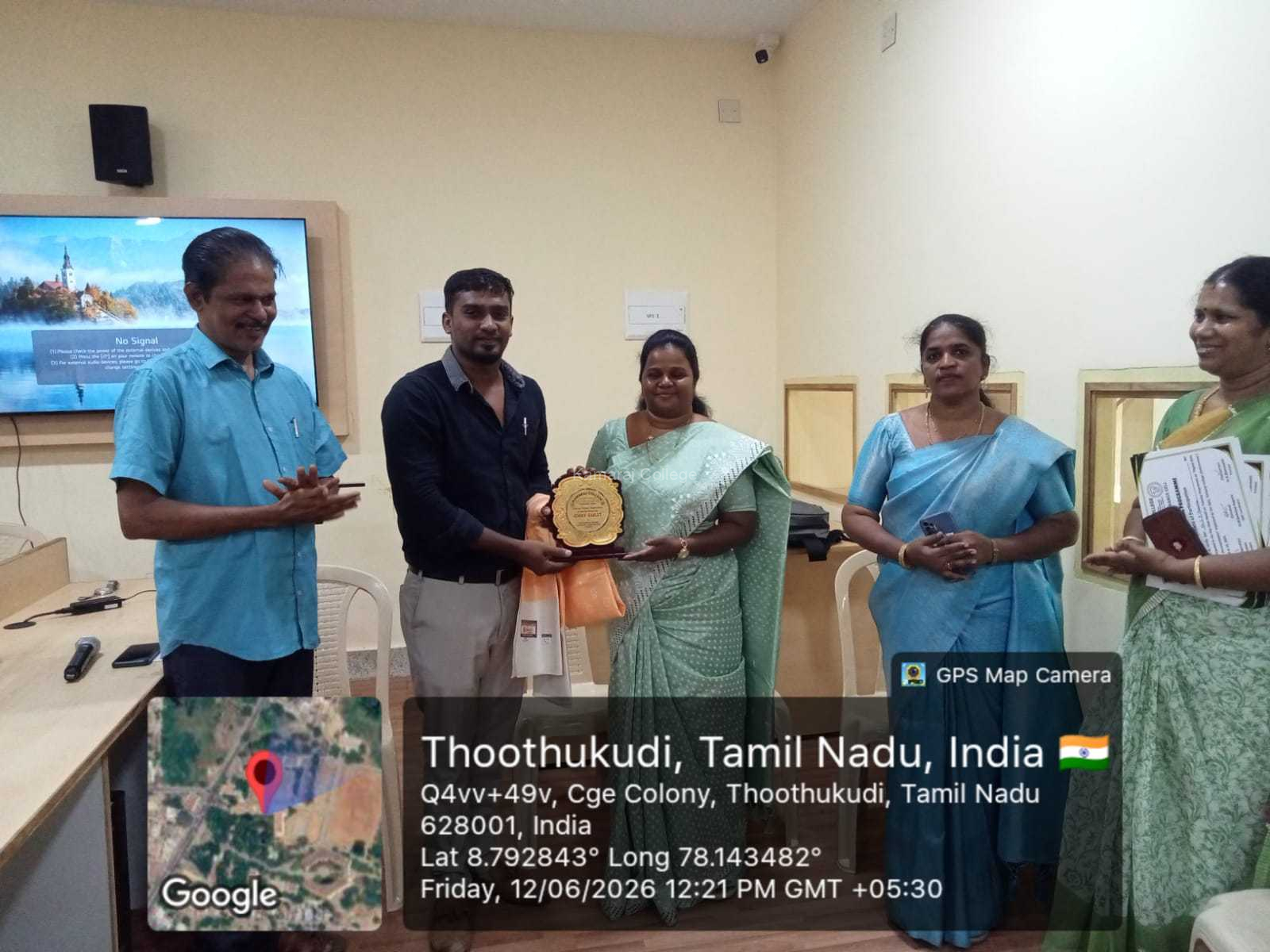
As part of the valedictory programme, certificates were distributed to all participants by Dr. K. Bhanumathi, Principal, Kamaraj College (Autonomous), Thoothukudi.
During her address, she congratulated the participants for successfully completing the training and encouraged them to effectively utilize the newly acquired digital skills in their daily administrative work.
She emphasized the importance of continuous learning and adapting to technological advancements in the modern workplace.
Vote of Thanks
The Digital Skills Programme concluded with the Vote of Thanks delivered by Mr. Ganeshan.
He expressed sincere gratitude to the management, IQAC, Vetri Trust, resource persons, organizers, and participants for their valuable support and contribution towards the successful completion of the programme.
The appreciation extended to all stakeholders reflected the collaborative effort that made the training programme a meaningful learning experience.
Conclusion
The five-day Digital Skills Programme was a remarkable initiative that successfully enhanced the digital documentation and office administration skills of the non-teaching staff. Through comprehensive training in MS Word, Excel, shortcut techniques, and networking fundamentals, participants gained practical knowledge that will support efficient workplace functioning.
The programme reinforced the importance of digital competency in modern educational institutions and empowered staff members with valuable technological skills. Overall, the Digital Skills Programme was highly informative, practical, and beneficial, contributing significantly to professional development and institutional quality enhancement.
Internal Link
Kamaraj College (Autonomous), Thoothukudi